Matterport Capture
The iPad app operators used to drive Matterport's Pro1 and Pro2 cameras through a building and produce a scan project ready for cloud processing into a 3D model.
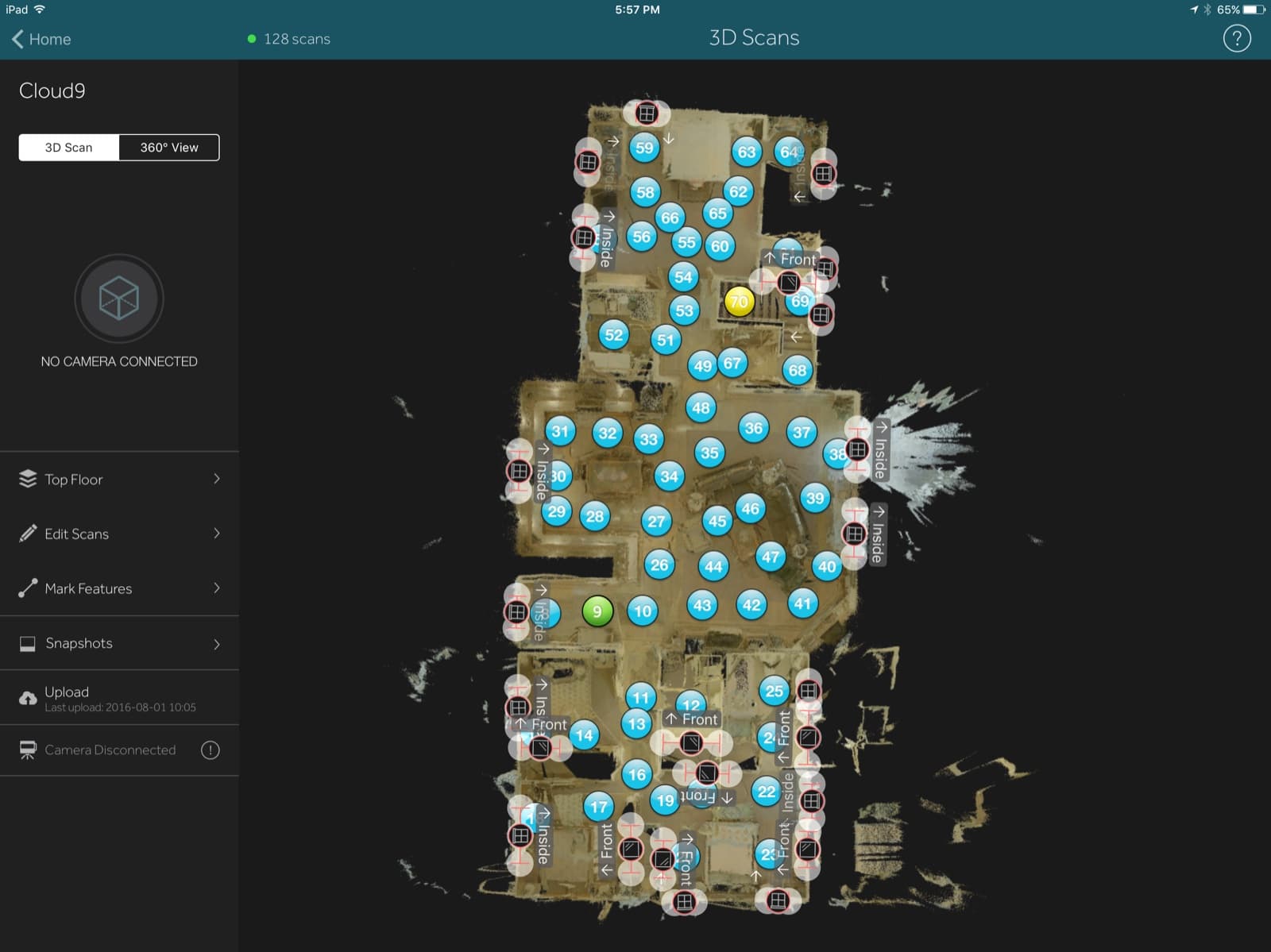
What Capture was
Capture was the iPad app used to drive a Matterport Pro1 or Pro2 camera through a building. The operator paired the iPad to the camera over Wi-Fi, triggered each scan, walked from one tripod position to the next, and uploaded the finished project to Matterport Cloud for processing into a walkable 3D model.
What it did
The app handled the full operator workflow on the iPad: onboarding and sign-in to a Matterport Cloud workspace, camera pairing and firmware updates over Wi-Fi, the scan capture loop, alignment and data-quality tools (Mark Mirror, Mark Window, Trim), a Floor Plan view for managing the scan project, and upload to the cloud for processing.
My role
UX Design Manager. Design owned the iPad app across 2015 and 2016, partnered with a native iOS team on the app side and the firmware group on the camera side.
- 3D capture
- iPad
- operator tools
- field tools